The issue
When deploying TemplateManager365 through Integrated Apps you might encounter an error message saying “Accept permissions failed”. This is a known issue with Microsoft 365 and we have an open ticket with their support to try to resolve this, but it’s taking a bit longer than expected.
This does not impact deployment through AppSource in general, so users can still install the add-in through the store.
Workaround
In the Integrated Apps there is an advanced management option for Add-Ins that leads to this page: https://admin.microsoft.com/#/Settings/AddIns.
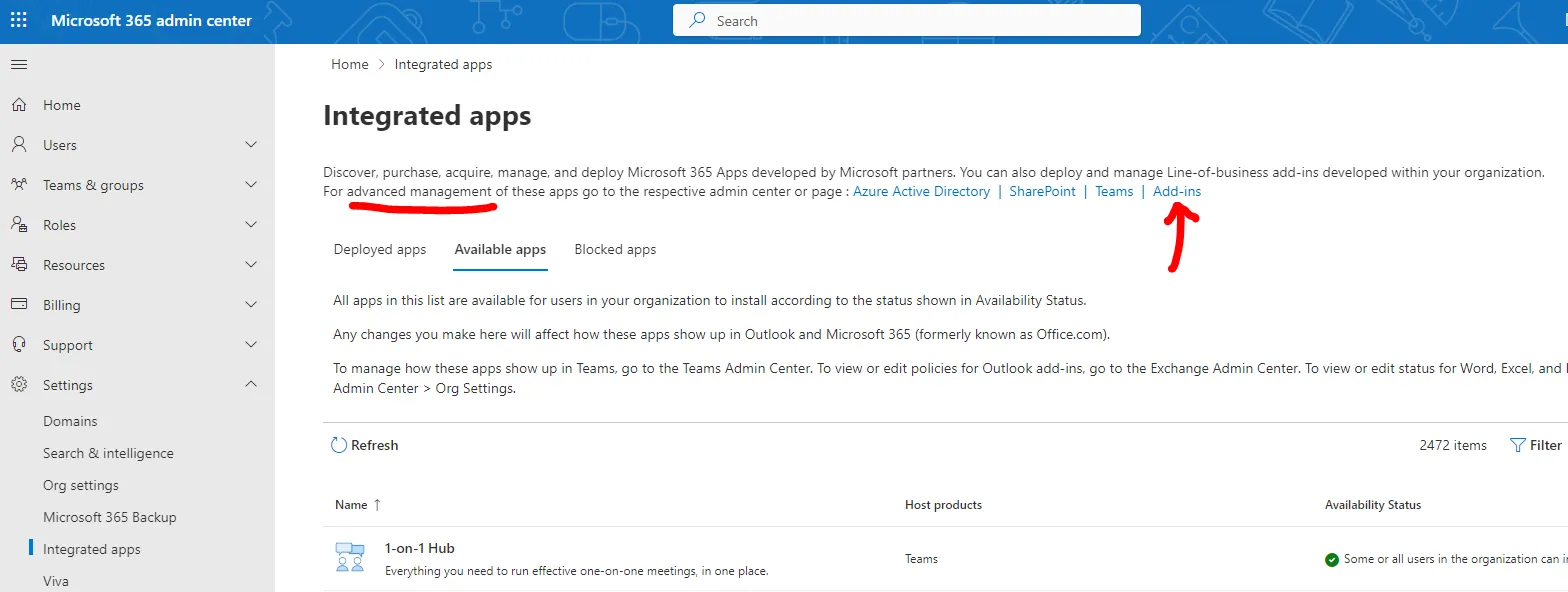
Deploying through Advanced Management
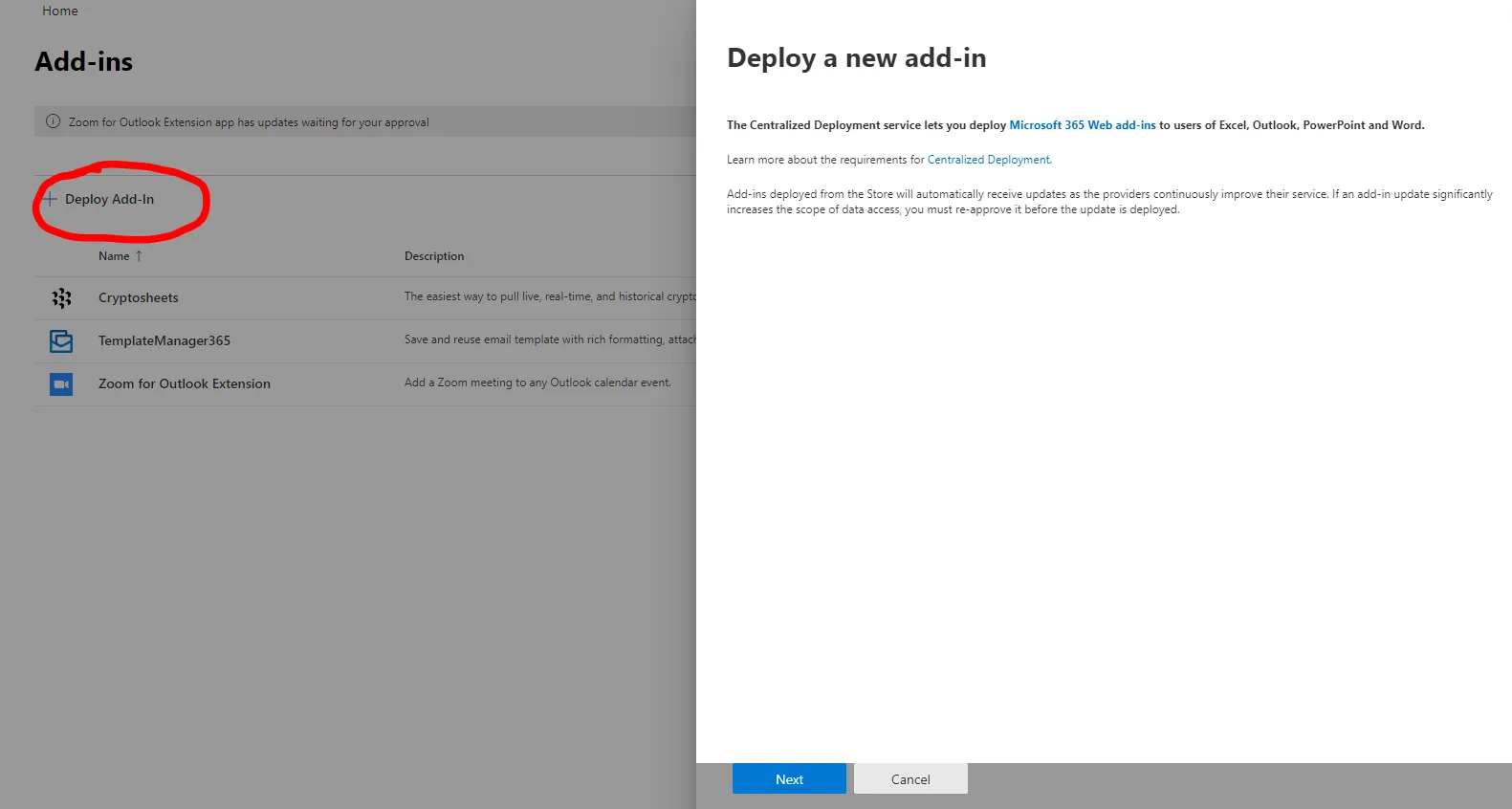
From there you can select “Deploy Add-In”, search for TemplateManager365 and centrally deployment it to your users there.
Note: You may still receive a “The requested action failed” error message, but the add-in will still be deployed to your users.